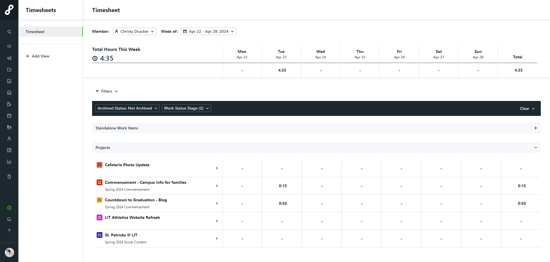
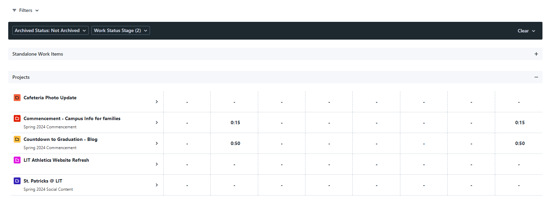
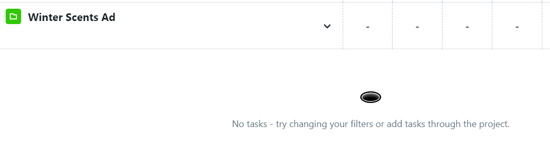
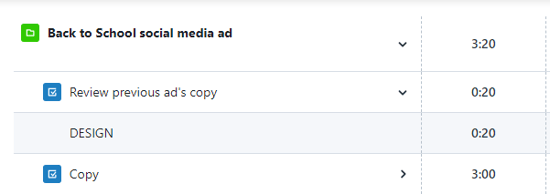
When Time Tracking is important to your team, there can be a lot of different records to manage. Use Timesheets to create a view that is easy to use and quick to view!
Features described in this article are not included in all subscription plans. Interested in expanding your feature set? Contact the Lytho Support Team for further assistance.
TABLE OF CONTENTS
Navigating to Timesheets
Once Timesheets has been enabled in your account, select the stopwatch icon labeled Time Tracking from the bottom of the left-hand navigation bar and select Timesheets.
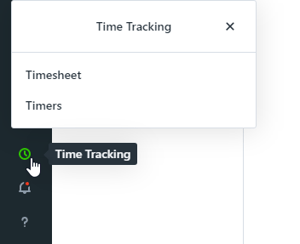
If you are using a smaller screen you may need to scroll down on the navigation bar to see the Time Tracking button.