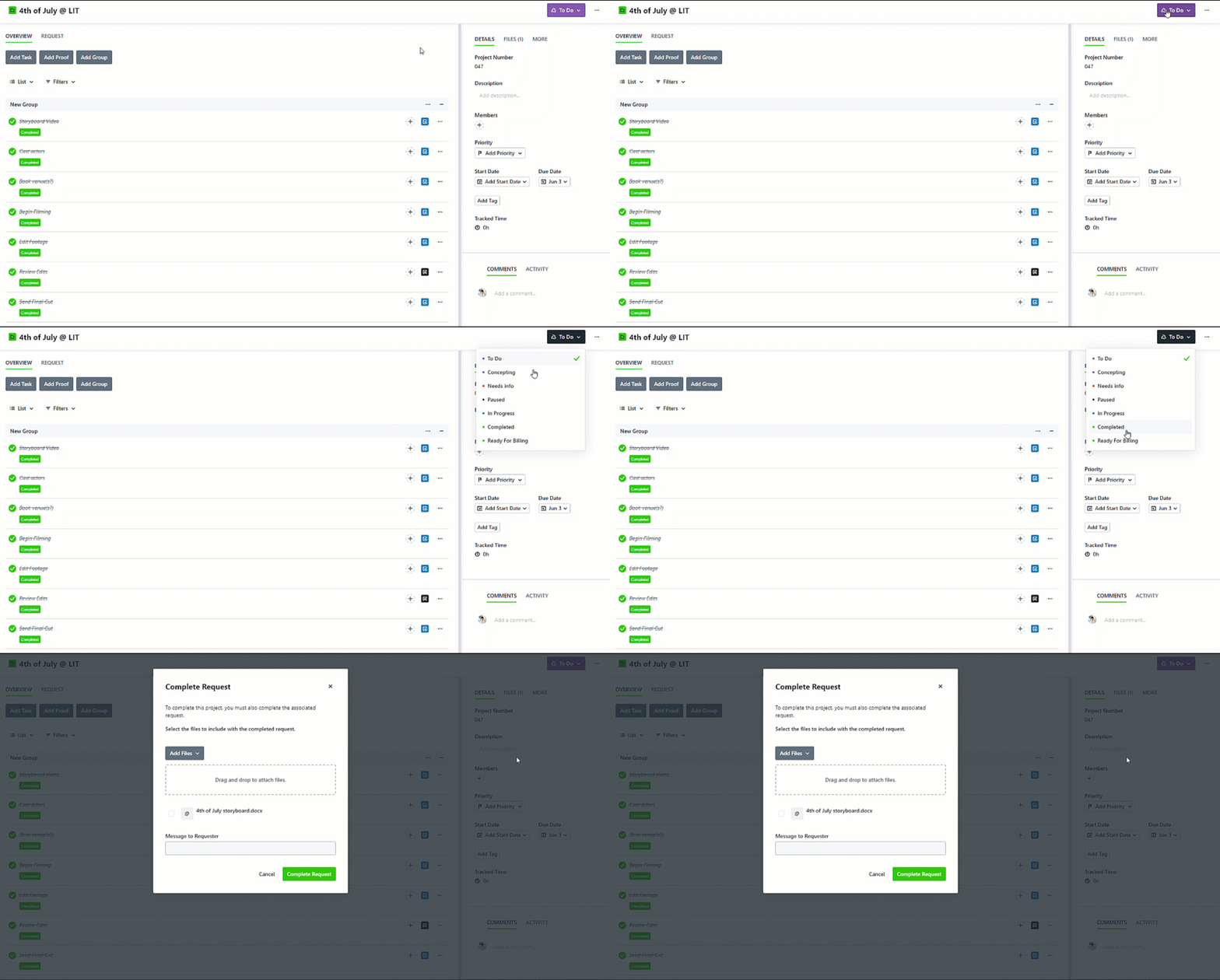
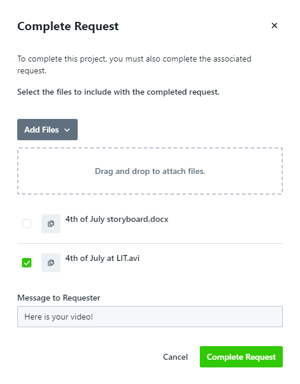
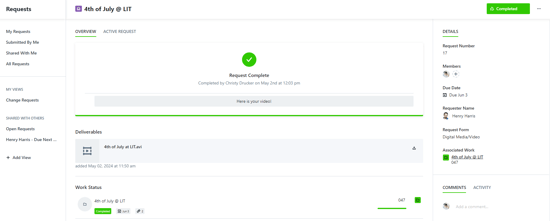
Whether the Request is still in progress or has just completed, files can be sent through Lytho to the requester at any time.
TABLE OF CONTENTS
While in Progress
To send a file while the request is still live, navigate to the Request's associated work and click on Files and add your file(s).
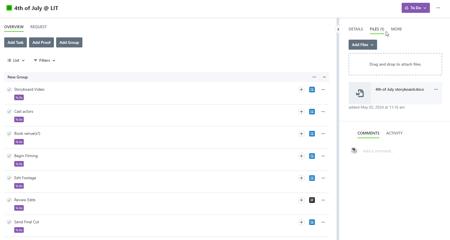
Lytho Pro Tip: Seeing the "Request" tab is an indicator that you are in a Request's associated work item.
Click on the Options (...) button next to your file and toggle on the Deliverable setting. Files with this setting will be marked "Deliverable".
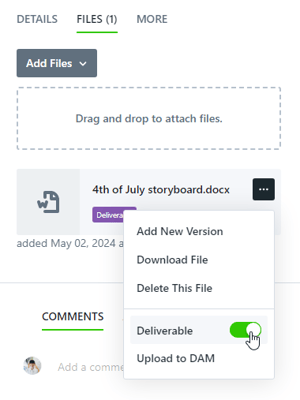
Files marked as "Deliverable" in this way will automatically be communicated to the request.
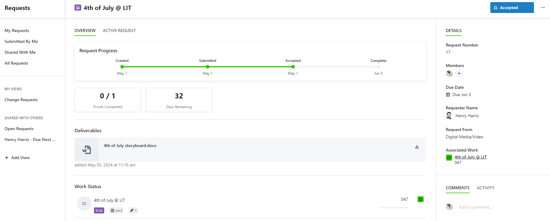
To remove the provided deliverable(s) from the Request, disable the "Deliverable" setting from the associated work item's Files section.