Welcome to your guide on navigating the end-user experience with a Tempo Smart Template in Lytho. This article will walk you through the steps to create and personalize your publication efficiently. Let’s get started!
TABLE OF CONTENTS
Creating a Publication
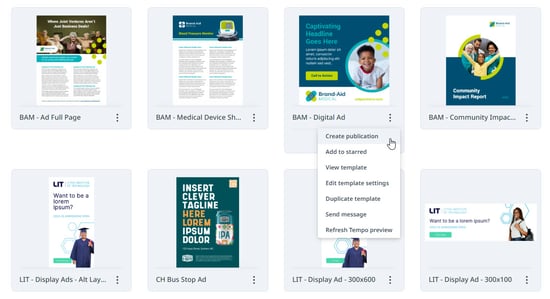
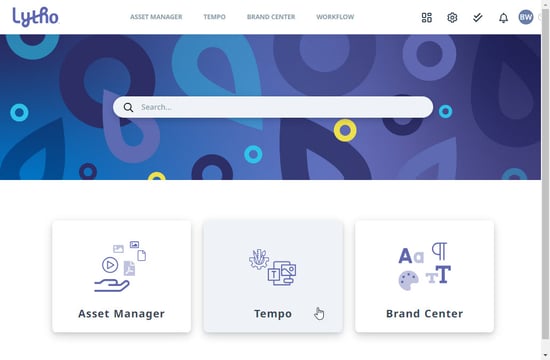
Begin by logging into your Lytho Digital Asset Management (DAM) and select the Tempo module to explore the available templates.
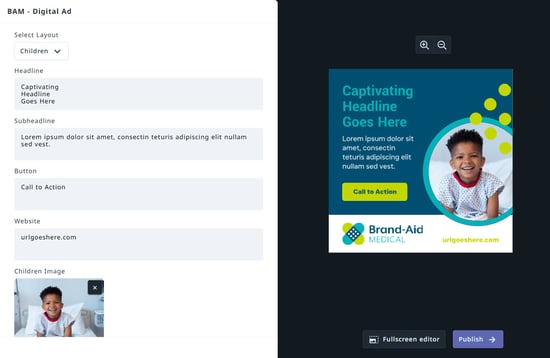
Once you’ve selected your template, you can start the self-service process to create your publication. Expand the options button in the bottom right corner of the template, then select Create publication.