
Improvements
View and restore deleted assets
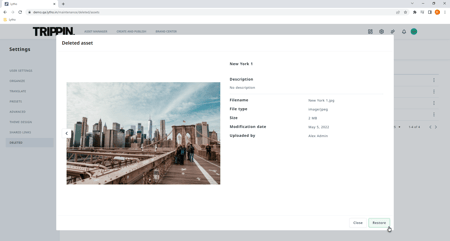
Users who are authorized to delete assets now have the opportunity to view the deleted assets and restore them if needed. The deleted assets list can be found in the settings and the deleted assets.
Extra columns and sorting options in the asset list view
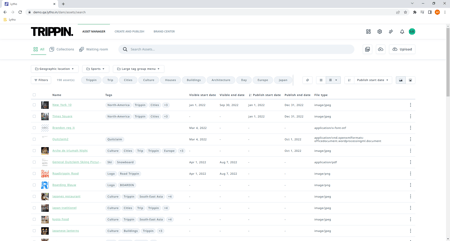
We've added publishing start and end date and visibility start and end date to the list view of assets. By introducing these new columns you can now sort your assets more easily by start or expiration date.
Advanced settings for home page customization
A couple of extra options have been introduced to make your DAM home page more on brand. You can change the background color and the color of the text. But be careful when changing these values as these settings affect all the users and there is no integrated accessibility check.
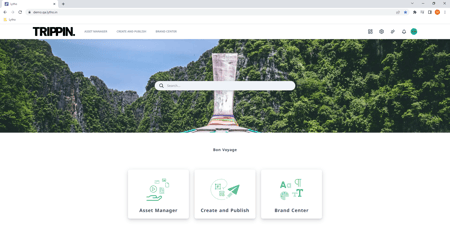
1. Home page with basic branded theme design changes like logo, header image, and primary color.
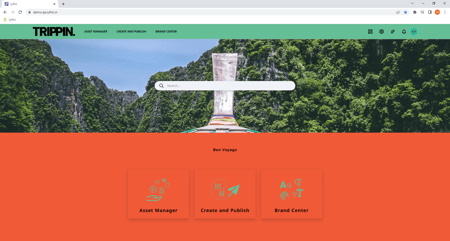
2. Home page where advanced design settings, such as custom background and text colors, are applied.
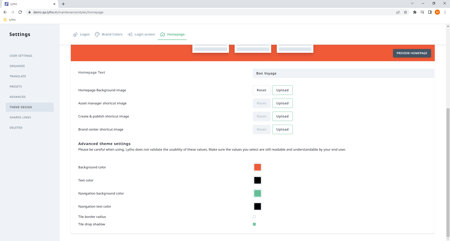
3. Advanced theme settings for image 2.