New Features
Email Review
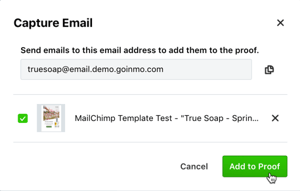
Reach more inboxes even faster, with inMotion’s Email Review! Now in addition to uploading print, multimedia, and web content, you can now send test emails directly from your email marketing solution to inMotion, where they’re converted to a proof to be routed for review and approval. Reviewers can test links and approve critical information – such as subject line, send date, and audience – alongside the email body!
Calendar Enhancements
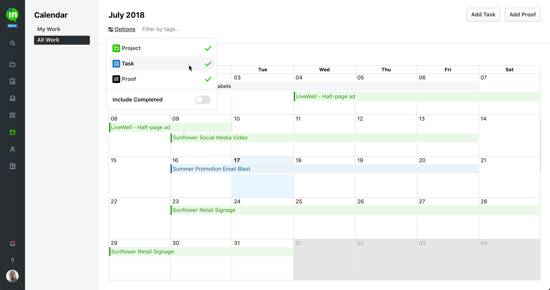
Now the calendar shows timespans for projects, tasks, and proofs that contain both a start and due date. You can also filter work on your calendar by assignment, tags, completed items, and work item type. In addition, scheduling tasks and proofs is even easier on the calendar view!
Hide Reviewer Comments
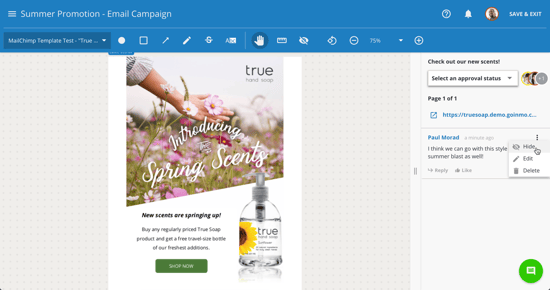
Need to curate comments before a proof is returned to your design team? Simply assign the permission to Hide Comments to any relevant role, and those reviewers can curate the comments left during an active review. This ensures the feedback delivered is always clear and actionable!
Improvements
• Users can add start dates to tasks and proofs to help prioritize work by expected start date. 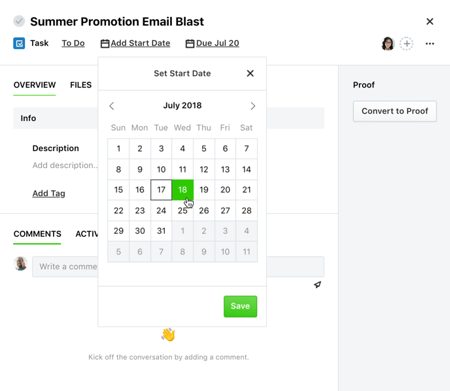
• Added start dates will now be visible in project, task, and proof-related emails. 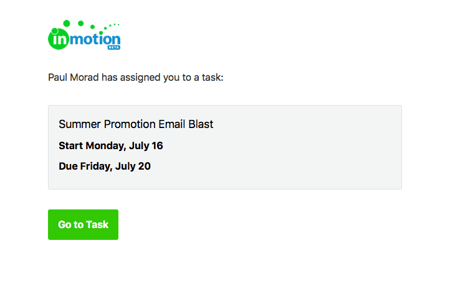
• Requests can now be archived.
• Designers entering a review prior to sending will see a message that the proof is in a draft state. 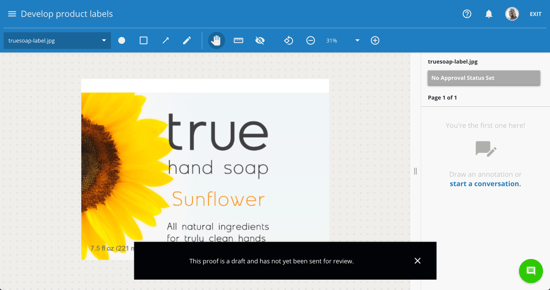
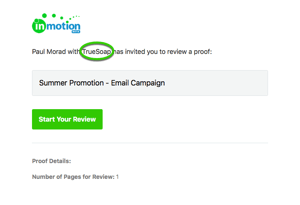
• The Account Name is now visible in proof invitation and renotification emails.