
New Features
Calendar
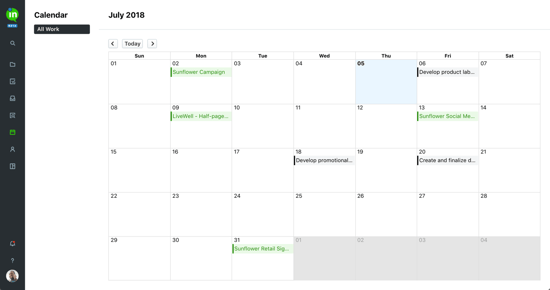
Now team members have more visibility into work that is due! Any project, task, or proof with a due date will now appear within a month-by-month calendar view. Better yet, you can click directly into work to get more info and make updates on the fly.
Archiving
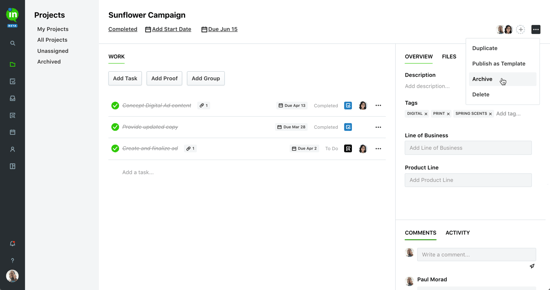
Clean up old projects, tasks, and proofs throughout the system by archiving them! Archived work is still accessible throughout the system (even in search!) but will no longer appear in active workspaces.
Custom Dropdown Fields
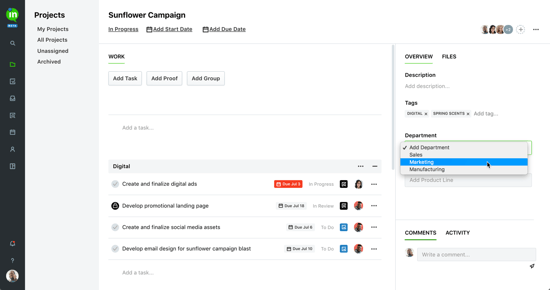
Quickly add the data you need to projects with the new Custom Dropdown Field type! Any time you’d like your team to choose from a pre-defined list of options, you can create a new custom dropdown field that can be updated within the project. This could help keep track of project type, brand, or additional options specific to your team projects!
Search: Custom Fields
Searching has been improved to include custom fields. Search for any value you’ve entered in a custom field to see the relevant projects and find your work even faster!
Start Dates
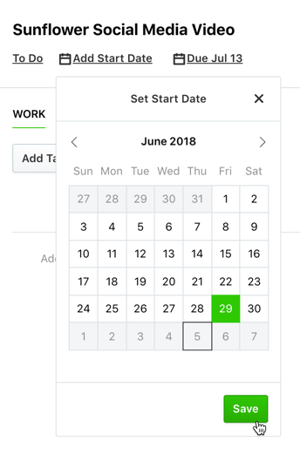
Now you can plan when to start project work in addition to when to finish! Once set, start dates will appear on the project details page and project list views.
Improvements
• Viewing project and work lists will only show user avatars if there is an assignment. 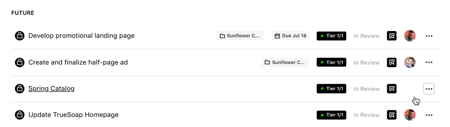
• You can now clear all assignments on a project, task, or proof. 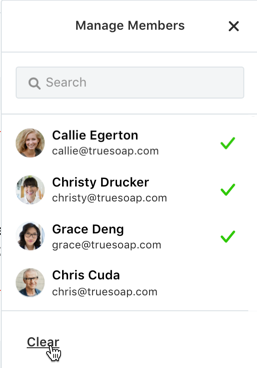
• When assigning someone to a project, task, or proof, anyone currently assigned will show at the top of the list.