New Features
User Import
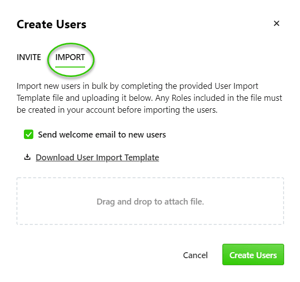
Have a long list of users to add to your inMotion ignite account? Now you can import all of them at once! With User Import, save time by uploading one CSV file with all user information.
Report on Custom Fields
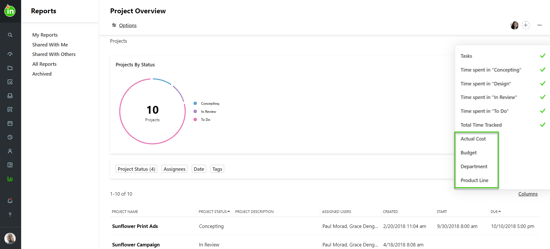
Does your team use custom fields to track key information? Now you can include that information in your reports! All your custom fields are available as columns in the Projects report, so you can glean actionable insights from your custom fields.
Project Cycle Time
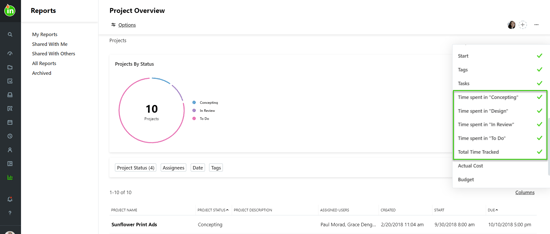
Get a quick snapshot of the status of all your team’s projects and identify areas for improvement. In the Projects report, you can see a column for every status each project has gone through, and how much time the project was in that status.
Time Report
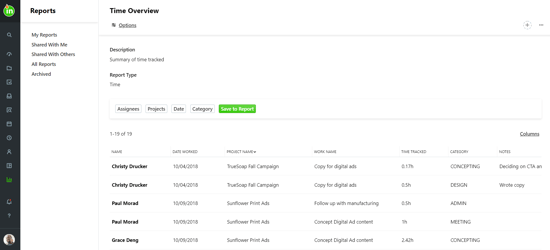
It’s time for a new report! Use this report to understand how your team is allocating their time amongst each project, or filter time entries by category to drill deeper.
Improvements
• Users will be notified when a report is shared with them.
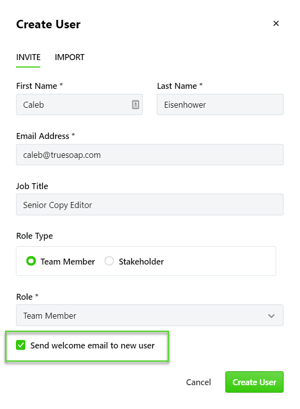
• Users have the option to choose to not send a notification on user invitation.
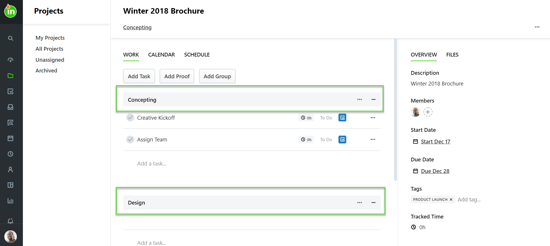
• Projects will now always contain work within at least one group, and all work will be contained within a group.
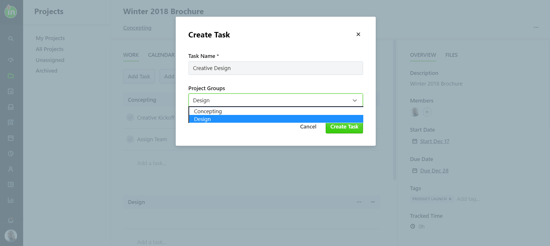
• When adding a task or proof on a project, users can now select the group it should belong to, as long as there are at least 2 groups in a project.
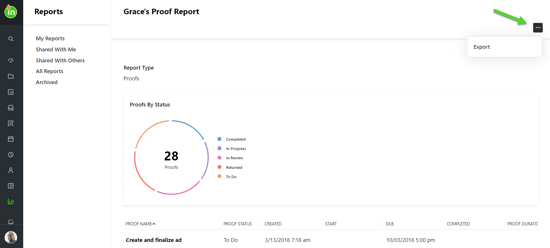
• Adding new approvers to a submitted request will send notifications to the added approvers.
• Users can export reports that have been shared with them.