
New Features
Scheduling
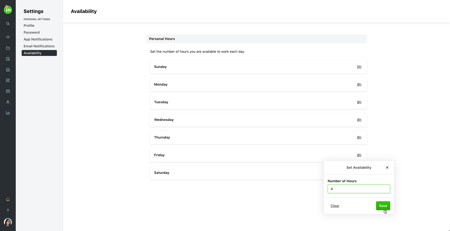
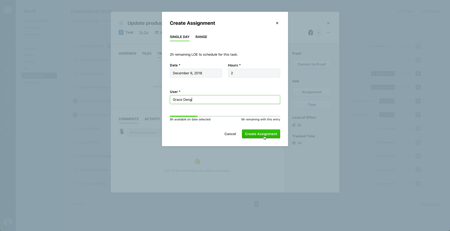
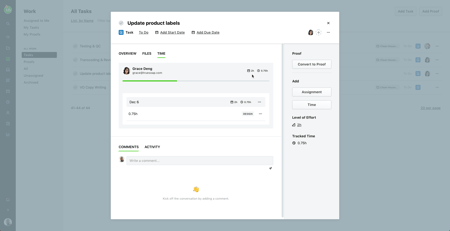
Take your team's organization and productivity to the next level! With Scheduling, project managers can easily manage workloads for their teams to increase efficiency and minimize going over time on projects. Managing your team’s schedule will not only ensure that each team member is working on the right assignments at the right time, but will also help manage expectations with your stakeholders on timing and delivery. Users with the applicable permission can enable Scheduling from the Account Settings menu.
Data Visualizations in Reports
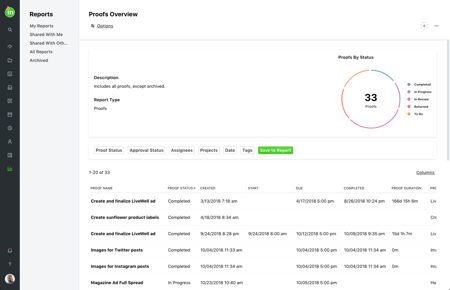
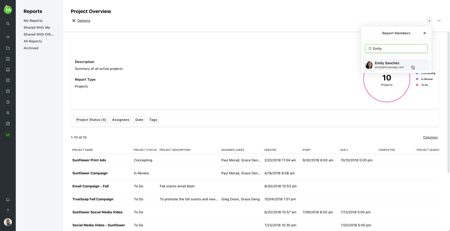
Now it’s easier to review reports at-a-glance with our first set of data visualizations for reports! All reports will now show an interactive doughnut chart displaying aggregated work items and statuses.
Report Sharing
Need to share a report with your team, boss, or key stakeholder? Now you can! With Report Sharing, any report you create can easily be shared with those that need visibility. Instead of exporting specific information every time someone asks, you can now make those reports accessible right from inMotion ignite, ensuring live, up-to-date insights!
Improvements
• The aggregate review status will now be shown on each file in a proof when returned 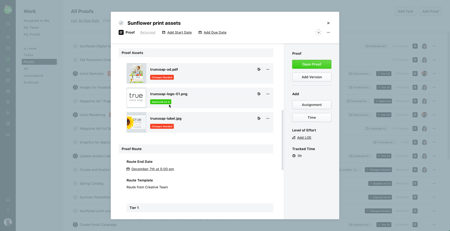
• Users can now choose from files already attached to the proof or associated project when uploading proof assets for review 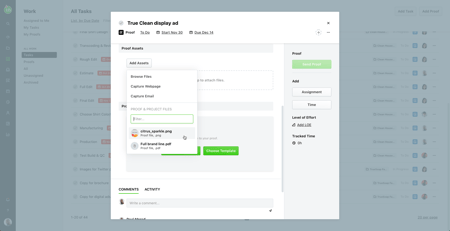
• Is Archived column now available in all reports
• Total Time on Project column now available in Projects report
• Total Time on Request column now available in Requests report