
New Features
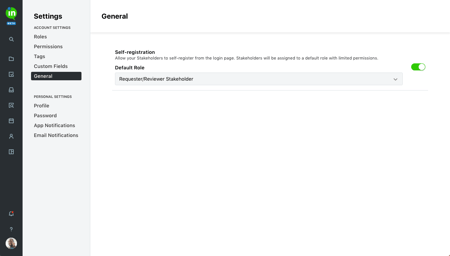
Self-Registration
Allow your Stakeholders to create their own accounts! With the new self-registration feature, your Stakeholders can sign up to create their own accounts and start requesting and reviewing work without delay. Visit the General sub-navigation in Account Settings to enable this for your account.
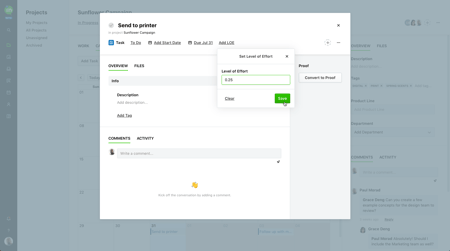
Level of Effort
Predicting workload? Start by adding a Level of Effort to tasks and proofs. Add these estimations will help set expectations for team members and improve scheduling!
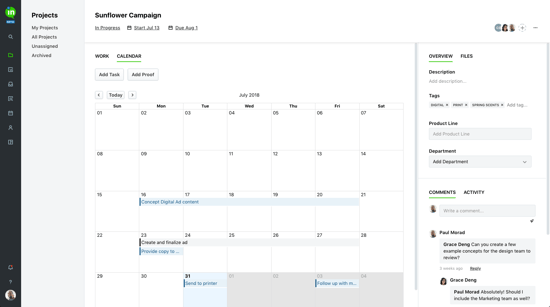
Calendar View of Projects
If you need help visualizing a project, check out our newest calendar view! Easily toggle between the Work and Calendar tabs of your project details to see the start dates and due dates of all project work.
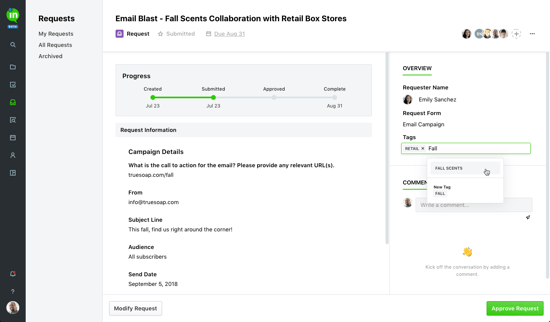
Request Tagging
Organize your job requests with tags! Team Members can now tag requests before approving them. Any tags added to request will also carry over to the associated work.
Improvements
• Custom fields can now be reordered in Account Settings with drag and drop. 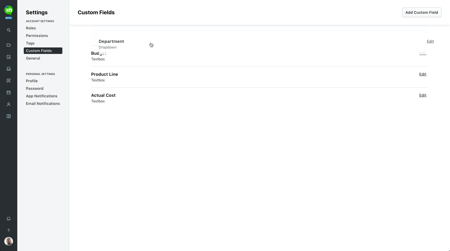
• Added activity entry when removing an existing route on a proof.
• Proofs, tasks, and users now open in a modal instead of a slide-out