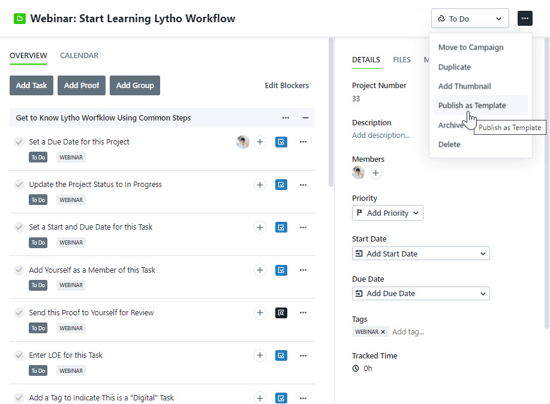
Lytho Workflow is unique in that it can help facilitate the adoption of both Workflow and the Digital Asset Manager. Use the Project import template below as a starting point for your own onboarding creation.
1. Download the relevant Project template here:
Onboarding New Workflow Team Members Project Template.csv
Onboarding New DAM Team Members Project Template.csv
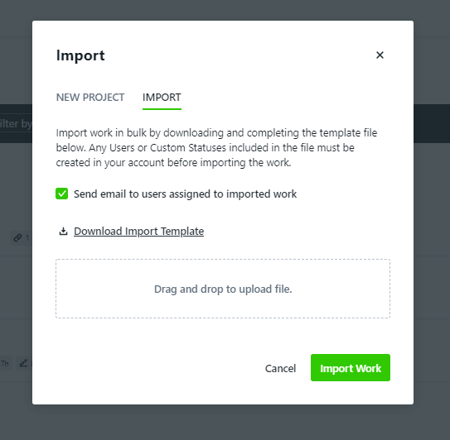
2. Create a new Project and select the IMPORT Option. Place the downloaded spreadsheet into the specified file block and click Import Work.
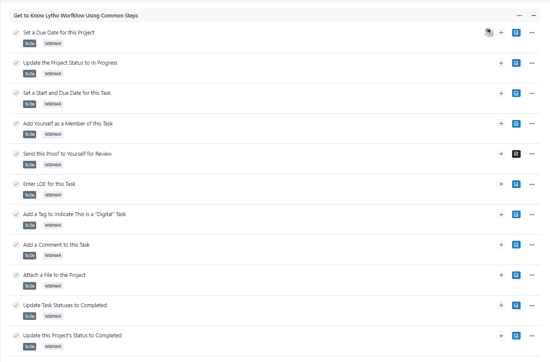
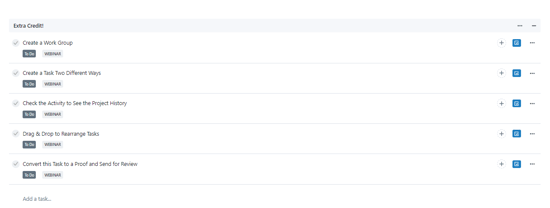
3. Now that your Project has been imported, you may want to move your Tasks into work groups for easier digestion and instruction. We recommend the following:
4. Convert your Project into a Project Template so that you can easily access whenever a new Team Member joins your team.