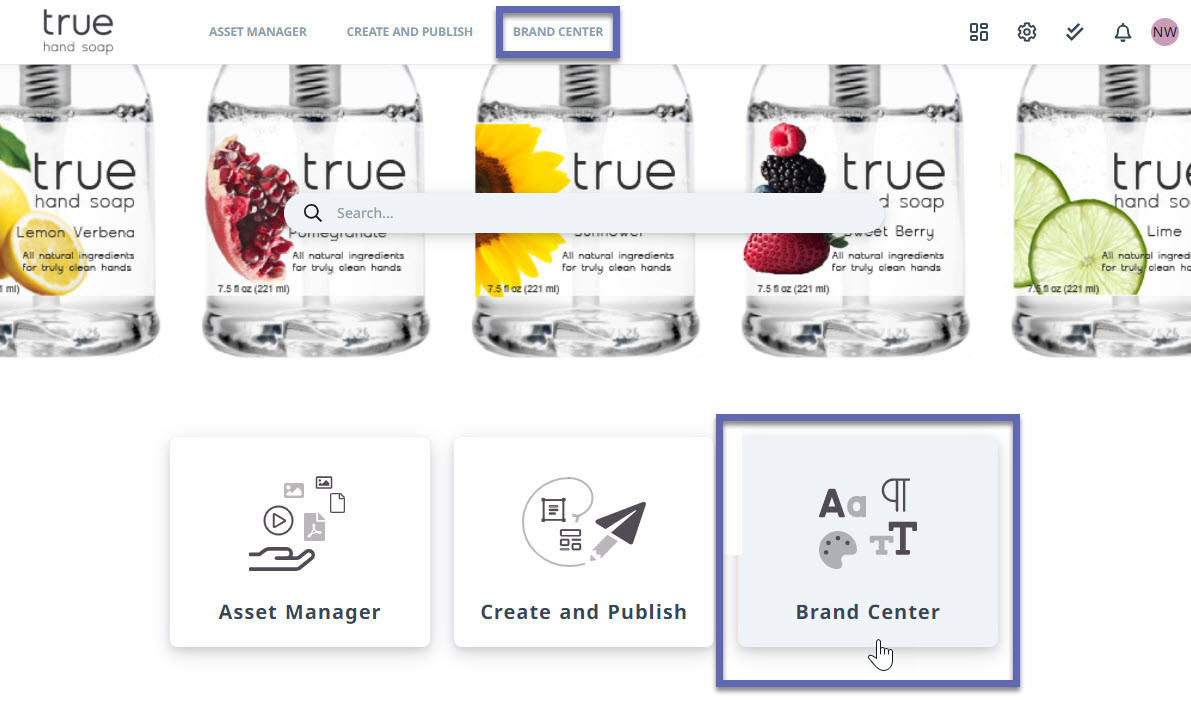
Easily navigate between Lytho Workflow and Lytho DAM without the need to open additional screens or maintain multiple logins.
Features described in this article are not included in all subscription plans. Interested in expanding your feature set? Contact the Lytho Support Team for further assistance.
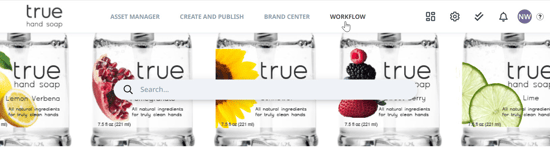
Select WORKFLOW from the global navigation bar located at the very top of your page throughout Lytho DAM to access Lytho Workflow.
Navigate to the Lytho DAM by selecting the Asset Manager icon located towards the bottom of global navigation in Lytho Workflow.