
Using Lytho assets within your CMS or HTML pages can be done with the embedded links feature in the Lytho asset manager. The big advantages of this are that you keep one single source of truth within Lytho and that you no longer have to download and reupload the assets to your CSM or HTML project.
The embedded link will retrieve the current version of the asset from your Lytho asset manager at all times. Keep in mind that assets may be blocked for download or restricted with a publish date which will affect the embedded asset outside of Lytho. For example, once an asset's publish date has expired, embedded links to that asset will no longer render the asset.
TABLE OF CONTENTS
• How to Create an Embedded Link
How to Create an Embedded Link
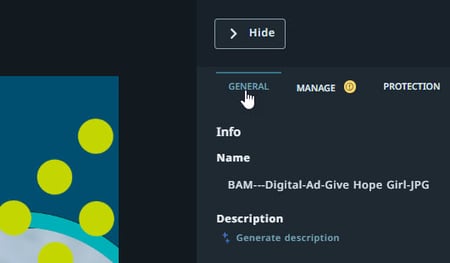
Navigate to the GENERAL tab in the asset details to access the embedded link section.
Scroll down to the Embedded link section.
By default Embed preview image will be selected. Select Create link to create a link and then Copy URL to easily grab your newly created link.
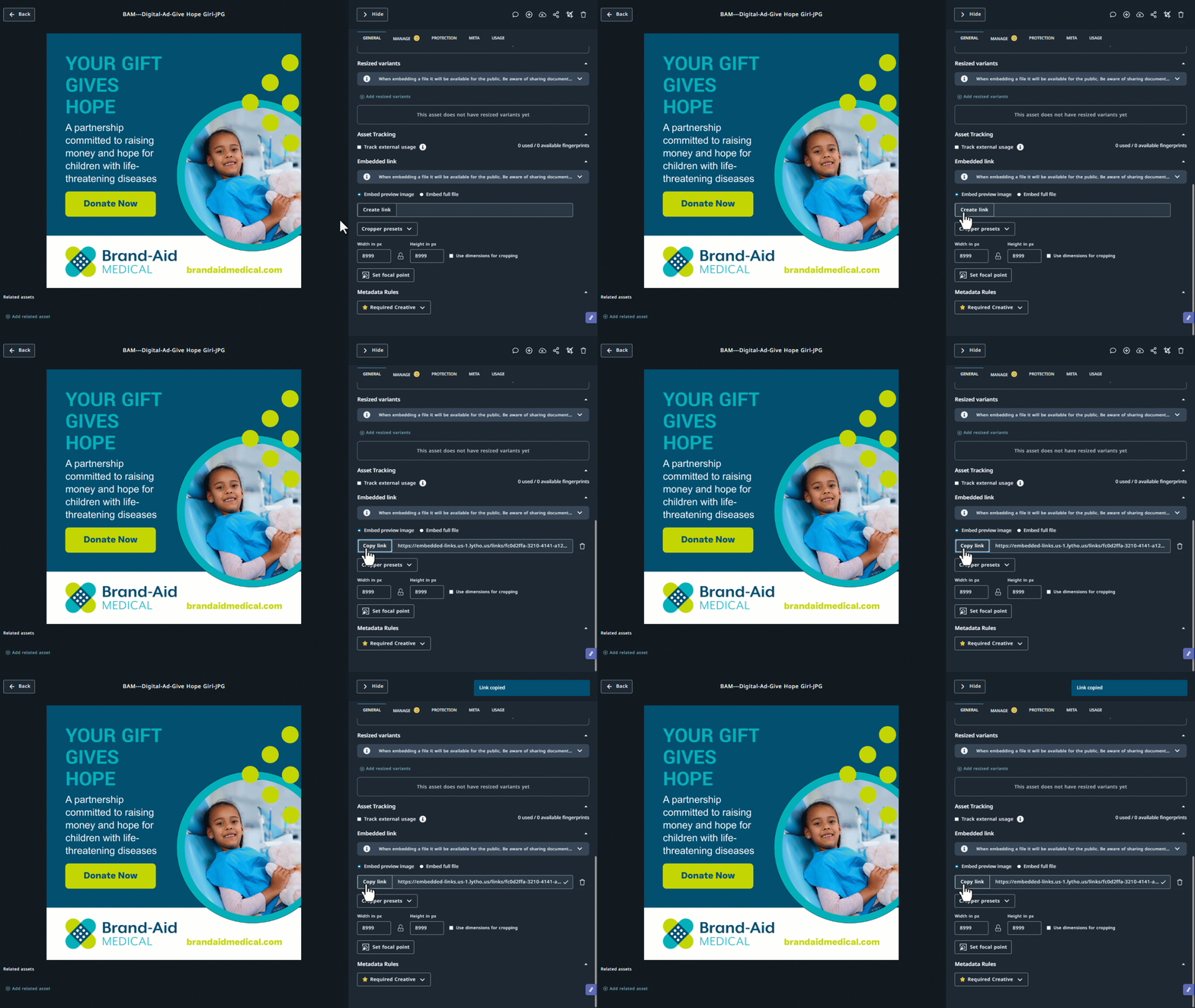
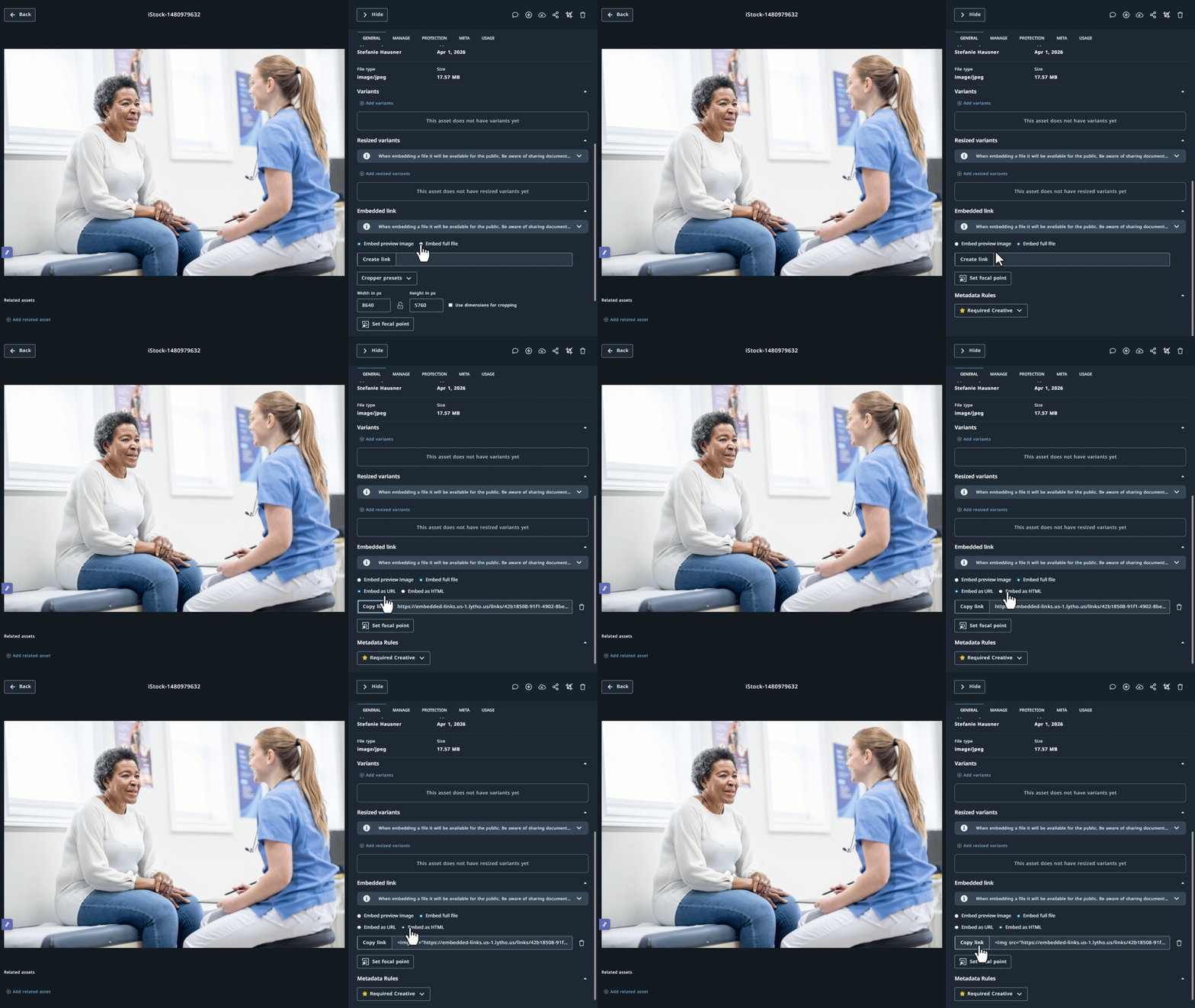
To embed the original asset, select Embed full file, then select Create link.
After the link is created, choose one of the following options:
- Embed as URL – Select Copy link to copy the embedded asset URL. Use this option to embed the asset using a direct URL, as supported by your website or application.
- Embed as HTML – Select Copy link to copy HTML embed code. This option preserves the asset's alt text within the HTML, helping maintain accessibility when the asset is embedded on a webpage.
URL Additions
Add a question mark (?) right behind the URL to divide the actual URL from the addition. Then, add one of the attributes followed by an equal sign (=) and its value. The attributes can be Width, Height, or Page.
Images, retrieved from the asset manager by an embedded link, can be scaled proportionally by adding width or height to the URL. The page attribute is used for assets with multiple pages like .pdf or .docx files.
- https://[embedded.link]?width=700
- https://[embedded.link]?height=400
- https://[embedded.link] ?page=4