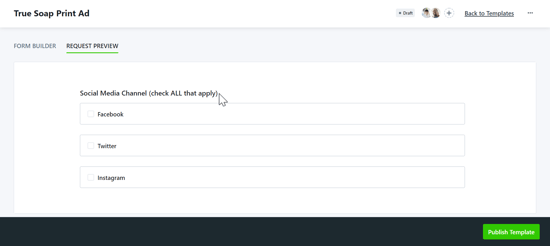
Static elements can be added multiple times in a form and provide form structure and and additional information to the requesters.
TABLE OF CONTENTS
Columns Field
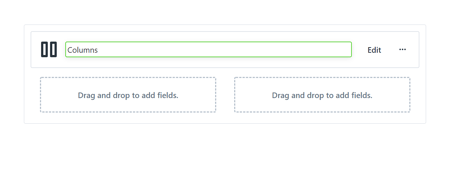
The Columns field gives you the ability to organize form elements so that they are side-by-side.
The column label is not displayed in the published form and is not seen by Requesters. Customizing this field may provide helpful context to users editing the form.
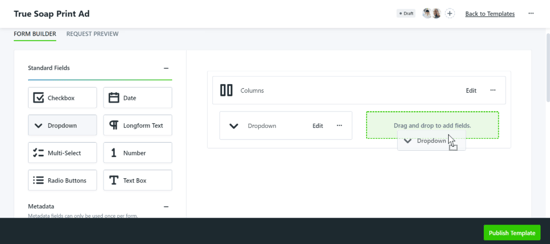
Drag fields of your choosing from your left side panel, or from the form building area, into the column area.
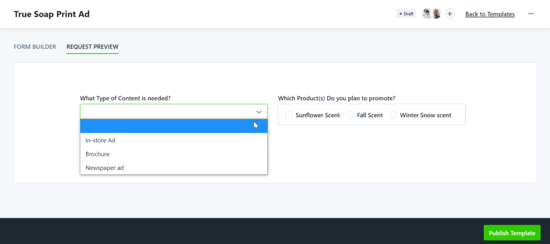
Your Requesters will see the fields presented side-by-side.
Section Field
The Section field gives you the ability to group fields for easier bulk movement. Sections are not visible to Requesters in the published form.
The section label is not displayed in the published form and is not seen by Requesters. Customizing this field may provide helpful context to users editing the form. 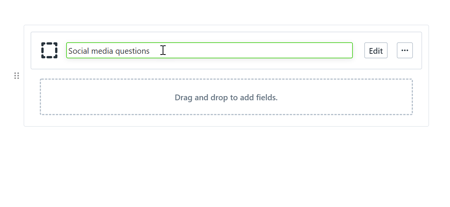
Click and drag fields into your section, or fields from the form builder area.
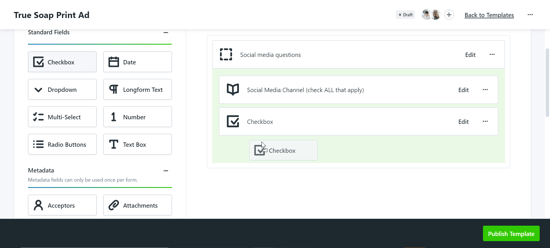
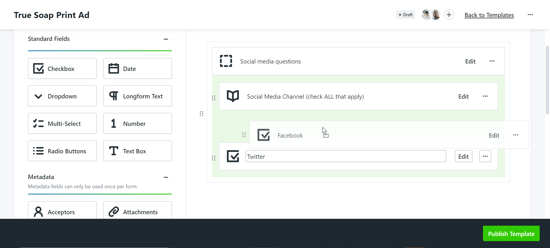
Reorder fields within a section by clicking and dragging.
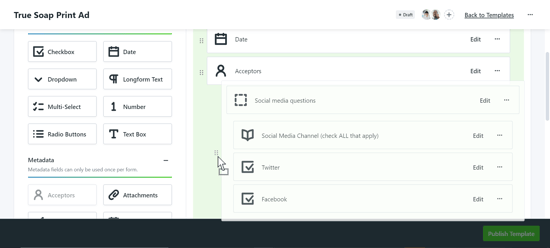
Move an entire section by grabbing onto the dots to the left of the section and dragging to the desired location.
Link Field
The Link field gives you the ability to provide a hyperlink for the Requester.
Click into the text box below Label to add a field name. This will be visible to your Requesters.
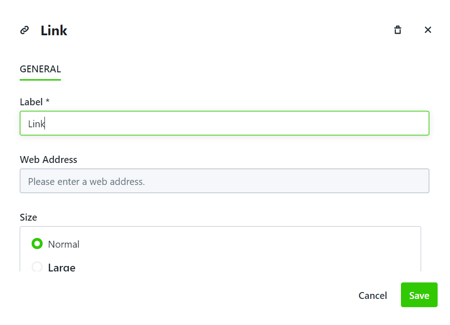
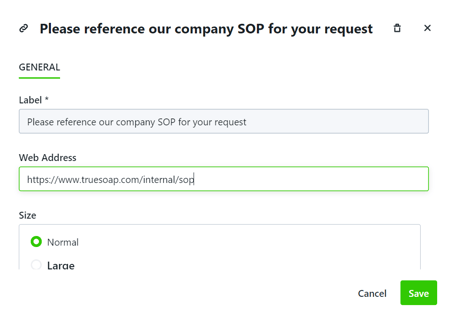
Add your full URL into the text box below Web Address.
You can select a text size for your Label by clicking the circle next to the text size of your choosing.
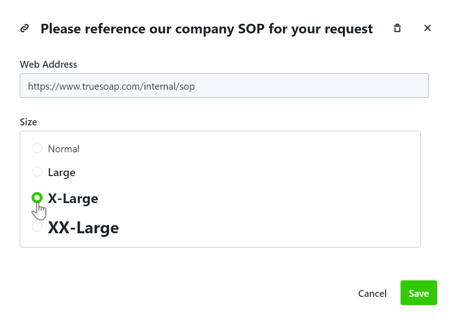
Click Save when complete.
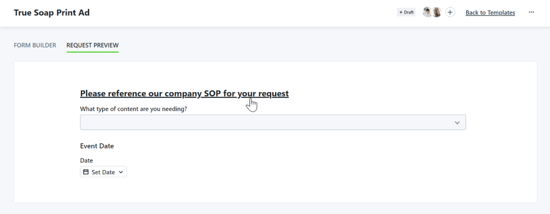
Your Requesters will be able to click on the hyperlink.
Static Text Field
The Static Text field gives you the ability to provide text instructions or a header.
Click into the text box below Label to update the value that will be visible to your Requester. Labels can also be edited from the design area.
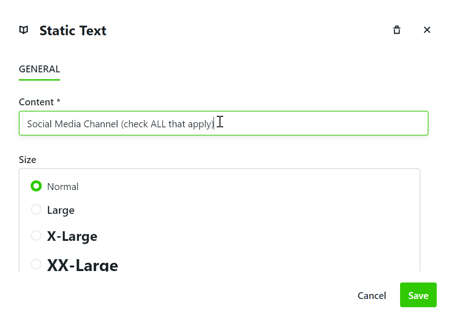
Change the size of your static text by clicking the circle next to the desired size.
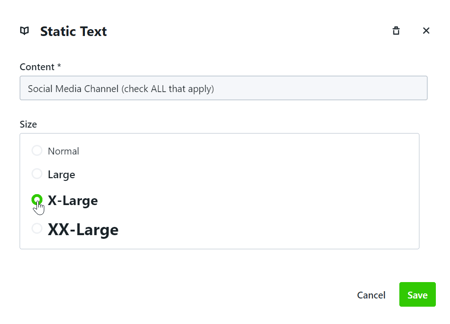
Click Save when complete.
This is how the static text will appear to your Requesters: