TABLE OF CONTENTS
At any time you have the ability to edit a brand guide. Changes will be saved automatically in Edit Mode but will remain hidden from View Mode until published.
Edit Mode
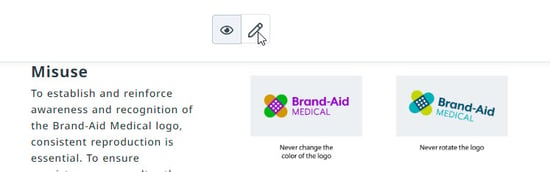
Navigate to the appropriate brand guide and click the edit icon in the center of your page to view your guide in Edit Mode. Any changes you make will be automatically saved in edit mode. Select Publish to publish your changes in view mode. Be sure to add a description that can be easily referenced as this will appear in the Brand Guide History.
Edit Brand Guide
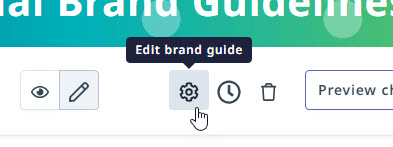
Within Edit Mode, click the settings icon to edit the brand guide Name, Cover image, and Permissions.
Brand Guide History
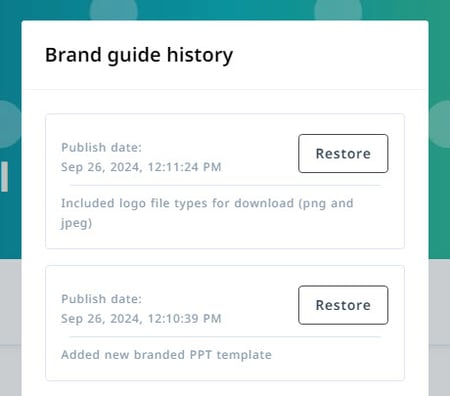
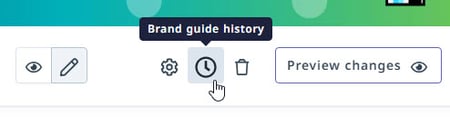
Within edit mode, Lytho DAM allows you to access a history of changes made to a brand guide. Select the clock icon in the upper right corner to access the brand guide history.
You'll be able to view the publish date and time and the description provided by the editor. Click Restore to un-do the edits made in a specific session. Publish your brand guide to save and changes made in view mode.