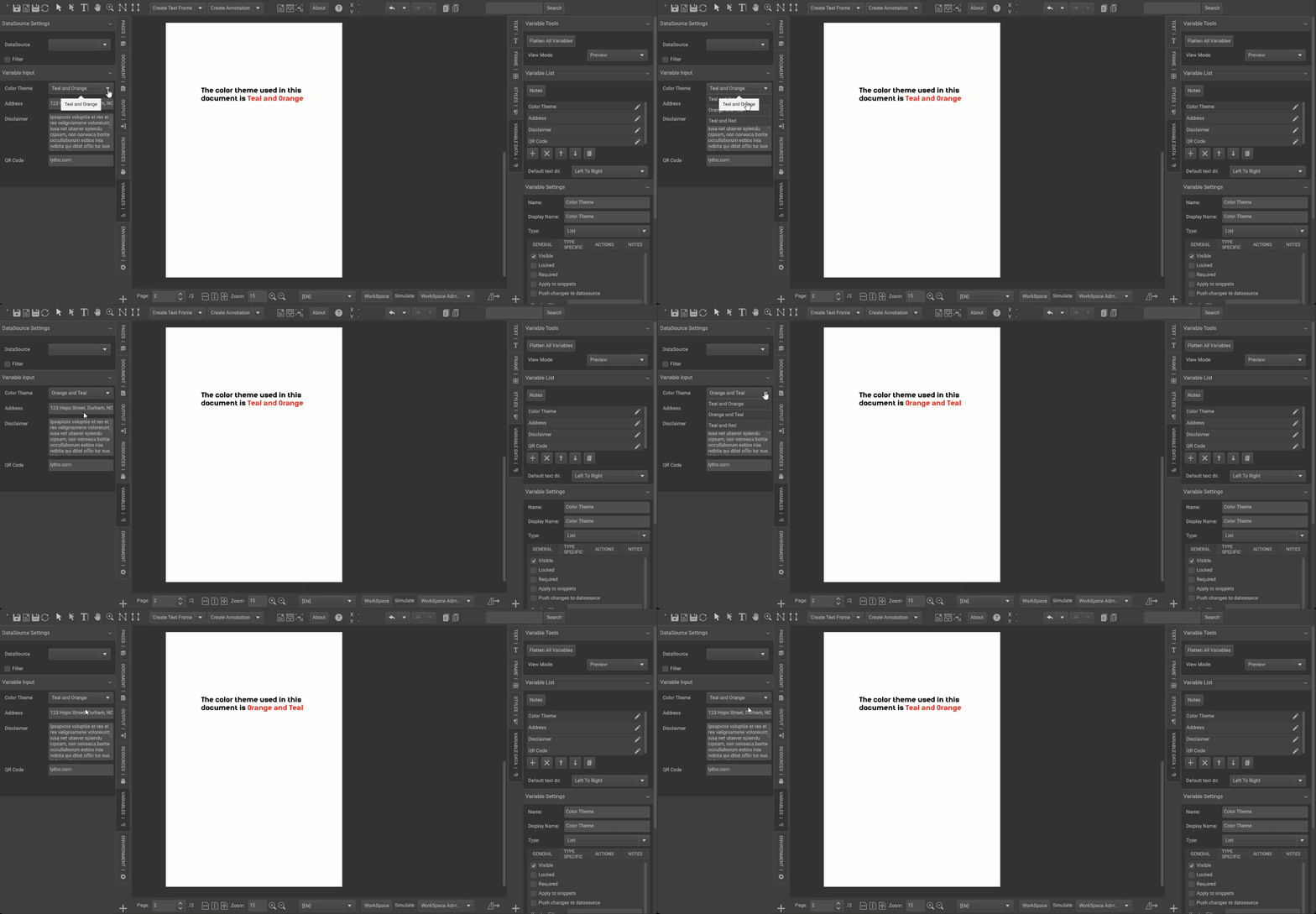
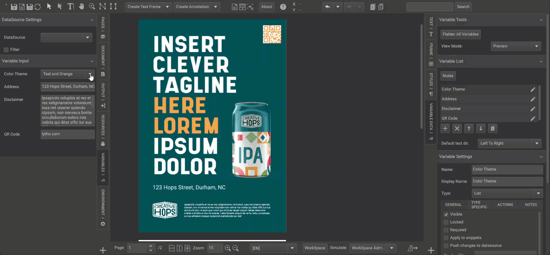
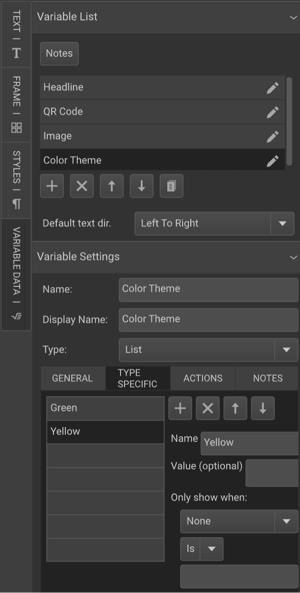
List variables allow your end user to select pre-defined options from a drop-down menu. When using a list variable, you can pre-define text values to be used in the artwork, build action logic/behaviors based on a selected item, or use the selected text value as starting point to build additional actions or behaviors.
TABLE OF CONTENTS
• Action Logic-Based List Variables
Text-Based List Variables
List variables can allow your end users to insert predefined text based on their selection in a drop-down menu. The values added to the list variable can the be used within text frames of the artwork. This means that just like a short text variable (where a user types in a value and that value populates in the artwork), the text that is selected from the list will be passed to the artwork.
An example would be where you wanted to allow your end users to change a U.S. state abbreviation, but you wanted to reduce errors and maintain consistency in how the states were abbreviated. You could allow your users to select from a list of U.S. states, and their selection would insert the corresponding abbreviation into your artwork.