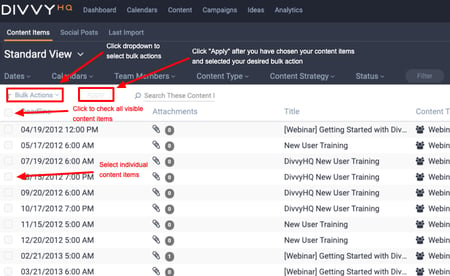
The Content Interface allows you to perform a few bulk actions, including Mark as published. You can also bulk Delete and bulk Mark as approved content items in the content interface.
To perform one of these bulk actions:
• Select your desired content items by checking the boxes to the left of each item
• Click the bulk actions drop down
• Select which bulk action you want to perform
• Click apply.