Features described in this article are not included in all subscription plans. Interested in expanding your feature set? Contact the Lytho Support Team for further assistance.
TABLE OF CONTENTS
What are Work Groups?
Work groups allow you to categorize your campaign work in a way that is intuitive and easy to manage. With work groups, project managers can take the complexity out of campaign schedules by creating groups that represent phases, deliverables, teams, or whatever categories make sense for the campaign at hand.
Creating a Work Group
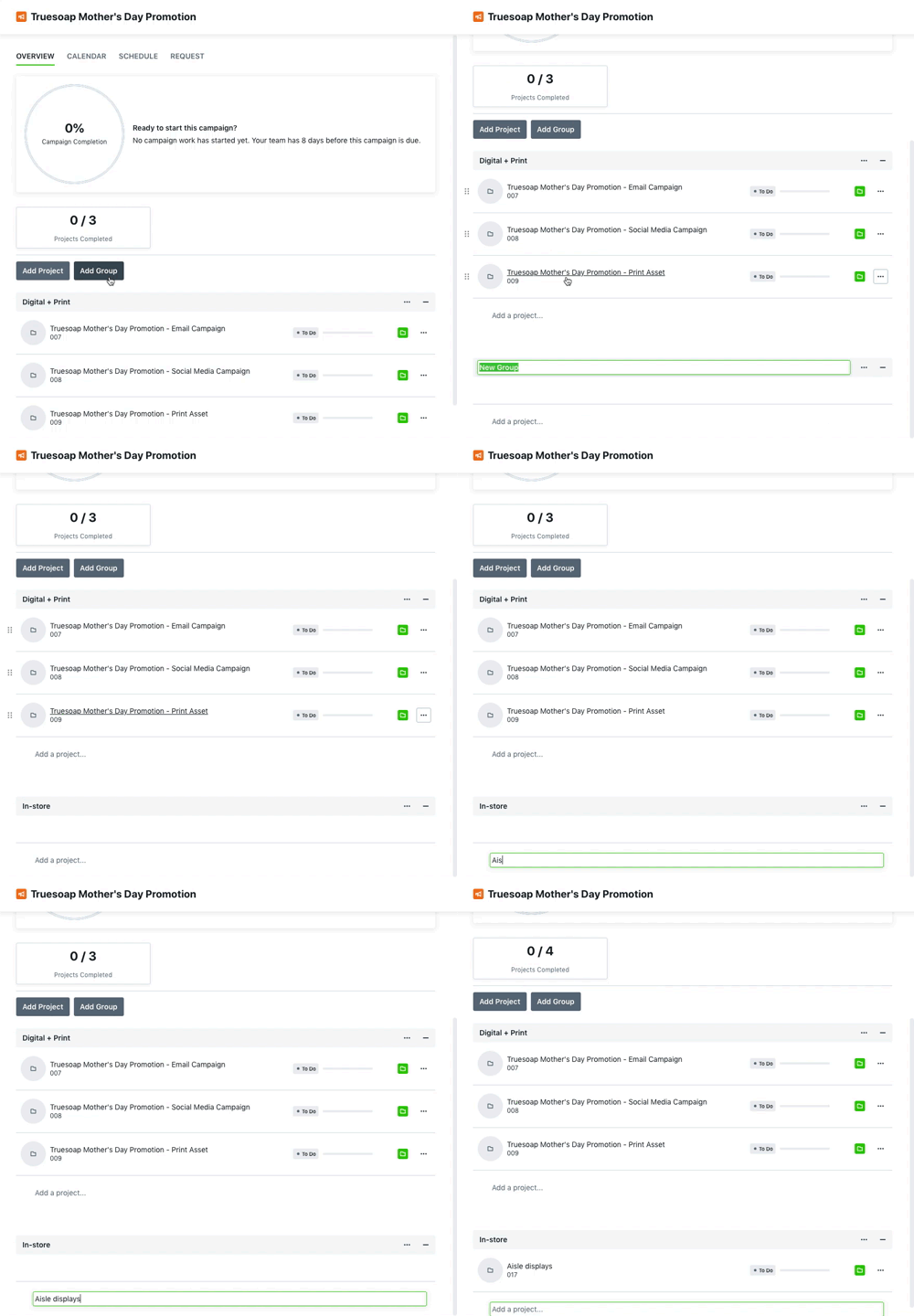
Navigate to the campaign details page and click Add Group.
Click 'New Group' to edit the group name and press return on your keyboard to save.
Directly beneath the group name, click 'Add a project...' and begin typing your project name. Press return on the keyboard to save your project.
Organizing Work
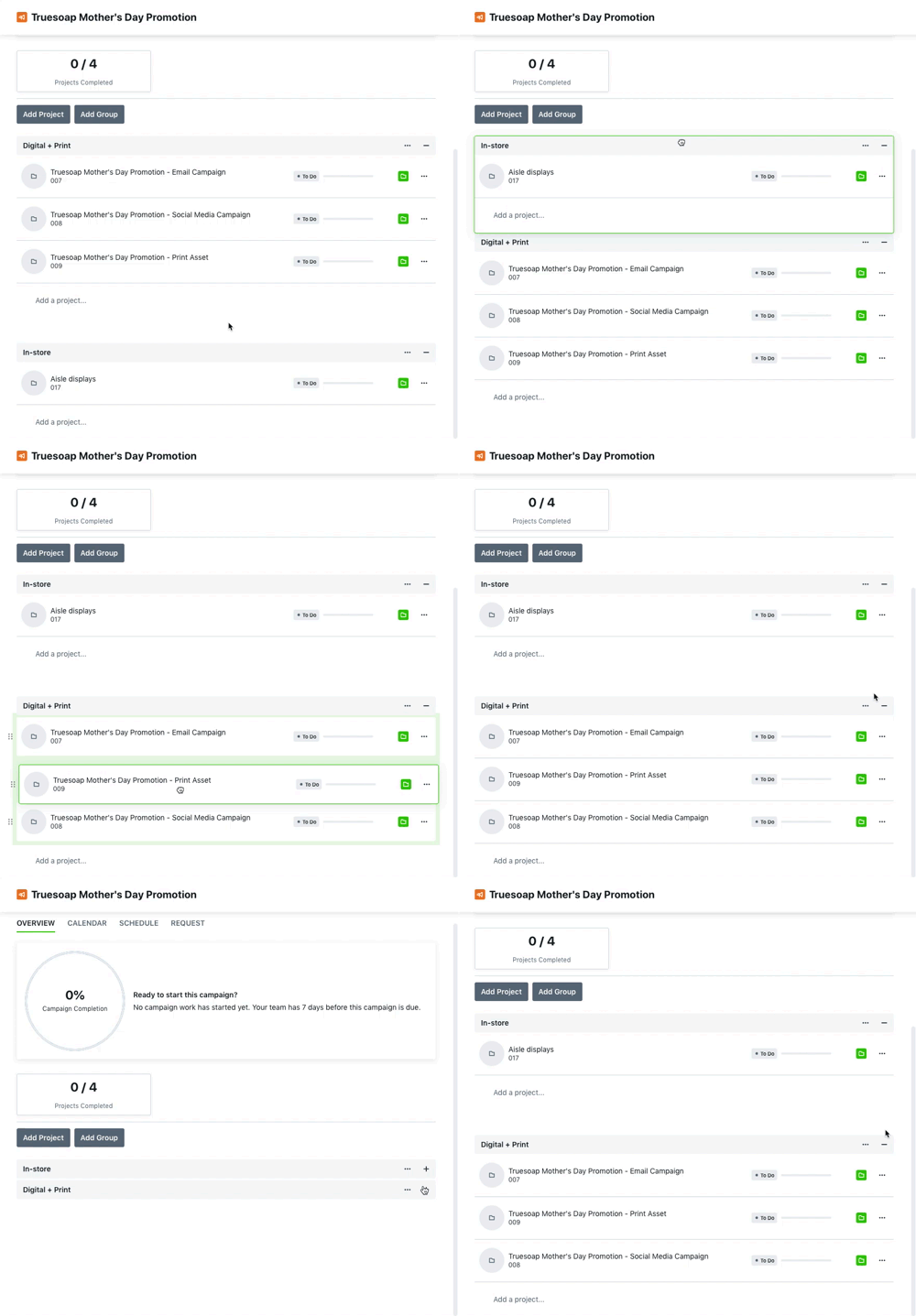
You can reorder groups as well as the projects in each group by dragging the work group header or project. You can also collapse and expand work groups as necessary to view your campaign work in whatever arrangement benefits you most at the time.
Deleting a Work Group
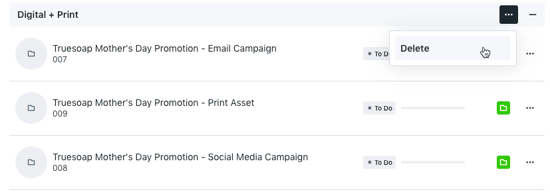
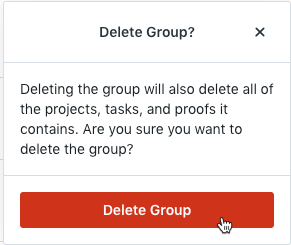
To remove a work group and all related projects, select the actions menu to the right of the group name. Click Delete to remove and confirm your selection by clicking Delete Group.