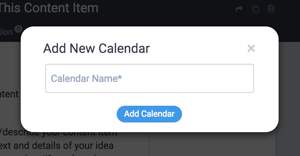
A quick (and I mean quick) guide to adding a child calendar.
Features described in this article are not included in all subscription plans. Interested in expanding your feature set? Contact the Lytho Support Team for further assistance.

A quick (and I mean quick) guide to adding a child calendar.
Features described in this article are not included in all subscription plans. Interested in expanding your feature set? Contact the Lytho Support Team for further assistance.